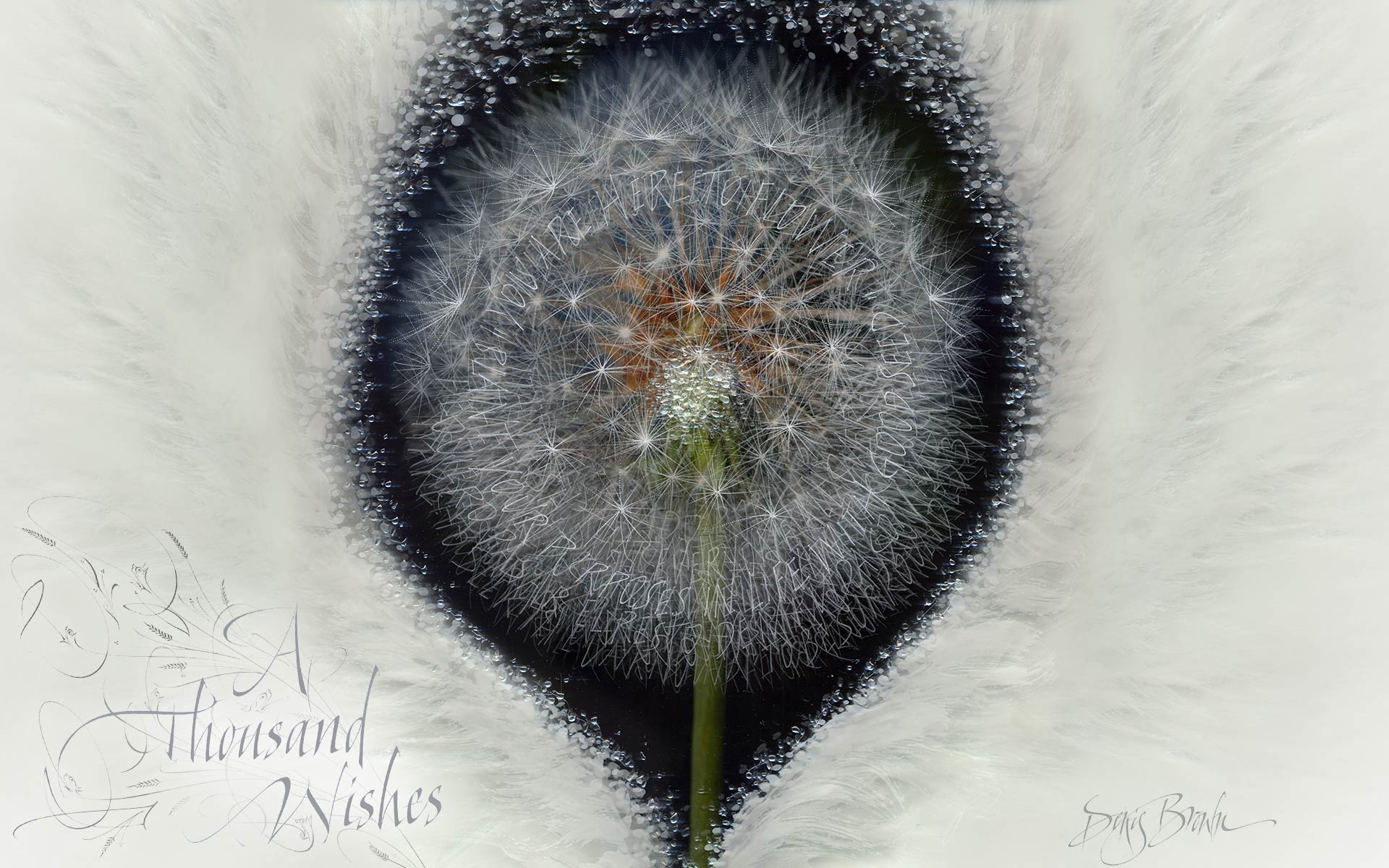
CALLIGRAPHY DESKTOP WALLPAPER BY DENIS BROWN: A THOUSAND WISHES
This image derives from a series of art where over 1,000 wishes were engraved in glass. More info here
High resolution image loading ... scroll down below the image for guidelines on how to save this image as desktop wallpaper.
© Denis Brown, 2014
GUIDELINES FOR WINDOWS AND MAC OPERATING SYSTEMS
Note- as different versions of any OS will have slightly different methods, these instructions should be seen a general guide only.
WINDOWS
Right-click the enlarged image above and select "set as desktop background", "set as background", or "set as wallpaper".
If you wish to tweak the settings for better display, right-click on the desktop and select "Properties" to open the display properties window.
Click on the DESKTOP or BACKGROUND tab. Tweak options as you wish. I suggest to ensure the image is centered on screen, against a suitable background color if necessary.
MACINTOSH- OS X
Press 'Ctrl' while clicking on the image above and select 'Use image as Desktop picture'. Tweak options in 'System Preferences' under 'Desktop' or 'Desktop & Screen Saver'. I suggest to ensure the image is centered on screen, against a suitable background color if necessary.
